
Automation, AI & Voice Interfaces: The Messy New Brain of the Smart Home
Table of Contents
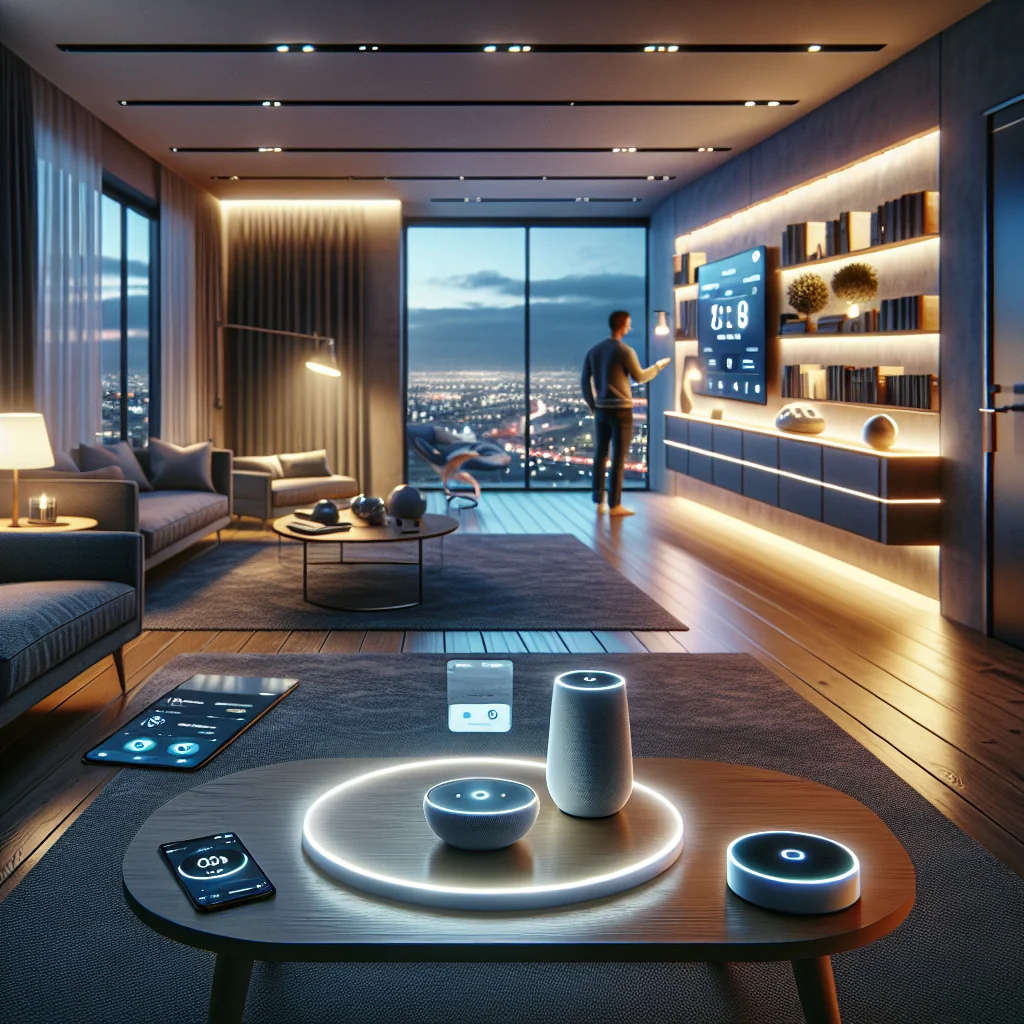
Automation, AI & Voice Interfaces: The Messy New Brain of the Smart Home
Smart homes used to be about showing off. Color-changing bulbs, a doorbell that sends you grainy videos, a robot vacuum that mostly bullies your furniture. Fun, but shallow. The real shift happened when people got tired of juggling ten different apps and said, “Can this stuff please just work together?”
That’s where automation, AI, and voice assistants crash into each other. When they’re set up well, your place stops feeling like a gadget zoo and starts behaving like it actually knows you live there. When they’re set up badly, it feels like arguing with a very stubborn intern.
This isn’t a glossy brochure. I’ll walk through how these pieces actually fit, where they go wrong, and how to wire things up so your home helps instead of nagging you. The idea is not a sci‑fi “smart house,” just a practical, slightly opinionated “home brain” that mostly stays out of your way.
From Random Smart Gadgets to an Actual “Home Brain”
Most people don’t “build a smart home.” They buy a smart bulb on sale. Then a video doorbell. Then a plug. Suddenly they’re running a tiny IT department from the couch. Each device has its own app, its own login, its own notifications. None of them talk to each other. Sound familiar?
Automation and AI are what turn that chaos into something coordinated. Voice is the part you yell at when it doesn’t work.
Here’s one way to picture it that’s less marketing and more honest:
- Automation is the script: “If this happens, do that. Every time. No questions.”
- AI is the fussy editor: “You keep ignoring this rule, so maybe we should tweak it.”
- Voice interfaces are the slightly deaf stage manager you shout instructions at from the back row.
Once you see your home as a system with a brain—flawed, improvable, but still a brain—you stop chasing random features and start designing how it should behave. The goal is boring in the best way: your home quietly does the obvious stuff so you can think about literally anything else.
What “Automation” Actually Means When You Live With It
“Home automation” sounds like something that requires a server rack and a degree. It doesn’t. At its simplest, it’s just you writing tiny rules so the house reacts without you poking it every five minutes.
Example? Lights come on at sunset. Heat drops at night. Door locks itself when your phone leaves the street. Nothing magical. Just a bunch of tiny, predictable dominoes.
Where it gets interesting is when you stack those tiny rules:
Lights in the hallway turn on with motion after 10 p.m., but only to 20% brightness so you don’t blind yourself during a midnight snack. The coffee machine switches on when your bedroom motion sensor sees you after 6 a.m. but not on weekends. Little things, but they add up.
The point is not to hand over your life to scripts. It’s to stop making the same boring decisions every single day. “Do I really need to manually turn off the hallway light for the 3000th time?” Probably not. You still decide what “normal” is; automation just presses repeat.
How AI Stops Your Automations Feeling Like a Dumb Timer
Classic automation is a bit of a robot: “You told me 11:00 p.m., so I will turn off the lights at 11:00 p.m., even if you’re halfway through a book and clearly annoyed.” Useful, but not exactly thoughtful.
AI is what loosens that up. It watches what you actually do instead of what you said you’d do. It notices that every Friday you stay up later, or that you always bump the thermostat a couple of degrees when you get home from work in winter, or that you rarely go into the guest room.
Over time, a half-decent system will start nudging you:
- “You usually wake up around 6:45. Want me to shift your morning lights from 6:15 to 6:40?”
- “You always turn off these three lamps within ten minutes of each other. Should I bundle them into one scene?”
- “This room is almost never used; I can lower the heating there unless motion is detected.”
You don’t want a clingy AI that invents routines you never asked for. You want one that fixes the tiny annoyances you’ve already shown it, through your habits. It handles the micro‑adjustments so you can keep control of the big calls: comfort, privacy, and what “home” feels like.
Voice Interfaces: Talking to Your House (and Sometimes Arguing)
Voice control is the flashy part everyone sees. A little cylinder on the counter, or an assistant on your phone, waiting for you to say the magic word. Underneath the friendly voice is a mess of speech recognition, intent detection, and device control that usually works—and occasionally misfires in spectacular fashion.
When it works, it’s great. You don’t go hunting for the “Living Room Lamp 3” tile in an app; you just say, “Turn on the living room lights,” or “Start movie mode,” and it happens. Complex scenes shrink into one short sentence. Hands full of groceries? “Open the garage.” Done.
But let’s not pretend it’s perfect. Background noise, kids yelling, your accent, your partner using slightly different phrases—any of that can confuse it. “Set bedroom to 18” somehow becomes “Playing ‘Bedroom’ by random artist on Spotify.” You learn quickly that naming and structure matter.
Rule of thumb: short, clear names beat clever ones. “Office,” not “Creative Cave.” “Night mode,” not “The Realm of Eternal Darkness.” You’re not writing poetry; you’re trying to be understood by a glorified microphone.
Automation vs AI vs Voice: Who Does What, Really?
Before diving into examples, it’s worth lining up the roles. They’re not competing; they’re three different tools that happen to share a toolbox.
Key roles of automation, AI and voice interfaces
| Component | Main Role | Strengths | Typical Use |
|---|---|---|---|
| Automation | Executes fixed rules when something triggers them | Predictable, stable, easy to reason about | Scheduled lights, heating tweaks, lock/unlock routines, simple scenes |
| AI | Adjusts or suggests rules based on your patterns | Personalization, context‑aware behavior, optimization | Tuning brightness, shifting timings, saving energy without you noticing |
| Voice interfaces | Let you ask, command, and override using speech | Hands‑free, quick, doesn’t require remembering where things are in apps | Triggering scenes, one‑off changes, “what’s going on?” status checks |
Put them together and you get something decent: automation runs the boring backbone, AI keeps it from becoming rigid and dumb, and voice is your instant override button when life doesn’t match the plan. Each one covers a weakness of the others.
What This Looks Like in Real Life (Not in a Product Demo)
It’s easier to see the point in actual daily scenes than in abstract diagrams. Here are a few situations where all three—automation, AI, and voice—end up working together instead of stepping on each other’s toes.
1. Waking Up Without Hunting for a Light Switch
Picture a weekday. Your alarm goes off on your phone. The second you dismiss it, your “morning” routine quietly kicks in. Bedroom lights fade up instead of slapping your eyes awake, blinds open just enough to let in light without blinding you, heating nudges up a degree or two so you’re not stepping onto an ice‑cold floor.
Now add AI to that picture. It’s noticed that on Mondays you snooze twice, but on Wednesdays you’re up immediately. It starts shifting the lights a bit later on Mondays, a bit earlier midweek. In winter, sunrise is later, so it compensates with brighter lights. In summer, maybe it opens the blinds more and uses less artificial light.
And then there’s you, half-awake, deciding you’re not doing mornings today. “Hey, delay the morning routine 30 minutes.” Voice steps in as the override: no digging through menus, no hunting for obscure settings. One sentence, routine paused, blanket reclaimed.
2. Leaving the House with One Short Command
The old way of leaving: grab keys, check stove, run back to turn off a light, wonder if you locked the door, give up and hope for the best. The automated way? You say, “I’m heading out,” or you just drive away with your phone and let your location be the trigger.
The house responds: doors lock, alarm arms, lights go off, thermostat drops to an efficient “nobody’s home” level. If you have cameras, they switch to away mode. You don’t tap a dozen things; you just leave.
Over time, AI gets a bit smarter about it. It learns that on weekday mornings you’re gone for eight hours, but on Saturday errands you’re back within an hour. So on Saturdays it doesn’t drop the temperature as aggressively and maybe leaves one small light on if it knows you have a pet that doesn’t love total darkness.
And if you forget something? “Hey, is the front door locked?” Voice gives you a quick answer—and lets you fix it—without turning the car around.
3. Movie Night Without the 10-Minute Setup Ritual
You know the drill: adjust the lights, close the blinds, find the remote, lower the volume on your phone, tweak the temperature because you’re going to be sitting still for two hours. It’s a whole production.
Now compress that into two words: “Movie time.”
Automation handles the choreography: living room lights dim, accent lights come on, blinds close, TV turns on, maybe your sound system switches inputs and your phone goes to Do Not Disturb. All of that from one scene.
AI quietly watches what you change after saying “Movie time.” If you always bump the heat up one degree, or always turn off the kitchen light you forgot to include, it can suggest folding those adjustments into the scene. After a few evenings, “movie time” matches how you actually watch movies, not how you imagined you would.
Designing Automations That Don’t Drive You Crazy
Here’s the ugly truth: the fastest way to hate your smart home is to get overexcited and automate everything at once. Lights flash when a notification comes in, speakers announce every delivery, random scenes trigger at the wrong time. It gets old fast.
Start small. Focus on routines that barely change: going to bed, leaving, coming home, waking up. The boring stuff is where automation shines.
A simple checklist to keep yourself honest:
- Pick routines you repeat almost every day: wake, leave, arrive, sleep. Ignore the edge cases for now.
- Use clear, reliable triggers: time of day, sunrise/sunset, motion, doors opening/closing, or your phone’s location.
- Name rooms and scenes like you actually talk: “kitchen,” “office,” “night mode.” Short and obvious beats clever.
- Make sure early automations are easy to undo by voice: “cancel evening scene,” “turn off all lights,” etc.
- Treat AI suggestions as proposals, not orders. Only accept the ones that match habits you already have.
And a personal rule I live by: if an automation annoys you twice, kill it or fix it. Your home should feel calm and predictable, not like you’re living inside a beta test. You can always layer on more later once the basics feel rock solid.
Step-by-Step: A Realistic First Setup with Automation, AI & Voice
You don’t need a sci‑fi mansion or a contractor to get value out of this stuff. A handful of well‑chosen devices and a bit of thought go a long way.
- Pick one main ecosystem and voice assistant. Mixing everything “just because” is how you end up debugging your lamps.
- Start with a small core: a couple of smart bulbs, a thermostat, maybe a smart lock or a plug.
- Create one simple scene for each key routine: “morning,” “leaving,” “arriving,” “bedtime.” Don’t overcomplicate them.
- Add basic automations with obvious triggers: lights at sunset, heat down at night, lock doors after a certain time.
- Turn on AI suggestions, but be picky. If it suggests something that doesn’t sound like you, decline it.
- Rename rooms and scenes using short, clear phrases your voice assistant consistently understands.
- Test each scene by voice and by app. Tweak brightness, timing, temperature until it feels right, not just “technically works.”
- After a week, review. Keep what felt natural, adjust what was slightly off, delete anything that made you swear out loud.
If you do it this way, you get a stable base instead of a science experiment. Then, when you add more gadgets or fancier AI features later, you’re building on something that already fits your life instead of trying to tame chaos.
Privacy, Security, and the “Is This Thing Always Listening?” Problem
Let’s talk about the part everyone side‑eyes: the microphone in the corner of the room. Yes, smart speakers listen for a wake word. No, they’re not supposed to ship every second of your life to the cloud. But “supposed to” and “what actually happens” are not always the same thing, so it’s worth being deliberate.
Most platforms let you review your voice history, mute the mic, or restrict what gets stored. A lot of people keep voice control in shared spaces—the kitchen, living room—and avoid putting it in bedrooms or home offices. That way, the mic isn’t sitting in the most private corners of your life.
Then there’s security. If your locks, alarm, and garage door are all online, convenience can turn into a liability if you’re sloppy. Use strong passwords (no, not “SmartHome123”), turn on two‑factor authentication, and give guests their own limited accounts instead of sharing your main login with everyone.
The trade‑off is simple: you’re swapping a bit of data and trust for comfort and automation. There’s no one right answer. Just make the trade on purpose instead of drifting into it because the default settings were convenient.
Where This Is All Heading (and What to Watch For)
We’re still early in the “my house has a brain” era. A lot of it is clunky, some of it is brilliant, and the rest is marketing fluff. But the direction is pretty clear: less manual setup, more systems that learn, and more natural language instead of memorizing commands like “activate scene evening_relax_2.”
Newer systems already understand fuzzier requests like “Make it cozy in here,” and respond by dimming lights, warming the room a bit, maybe putting on quiet music. That’s not magic; it’s just better mapping between your vague human request and a bunch of concrete actions.
If you keep one principle in mind, you won’t go too far wrong: your comfort and control come first. Use automation to shave off the repetitive nonsense, AI to fine‑tune things to your habits, and voice as the quick way to steer or override. When those three line up, your smart home stops feeling like a tech demo and starts feeling like… home, just slightly less annoying to run.